How to set up RTK over Emlid NTRIP Caster
This guide shows how to set up your Reach RS4 / RS4 Pro base and rover to work in RTK over Emlid Caster.
Overview
Emlid Caster is a cloud service that implements the NTRIP protocol and acts as a line of communication between connected to the internet GNSS receivers. With Emlid Caster, you can easily transmit RTK corrections—connect your base and rover to the same mount point, an automatically generated correction stream, and start surveying.
Workflow
Get access to Emlid Caster
To get access to Emlid Caster, follow the steps below:
-
Go to caster.emlid.com.
-
Sign up.
noteYou can sign in using your Emlid account.
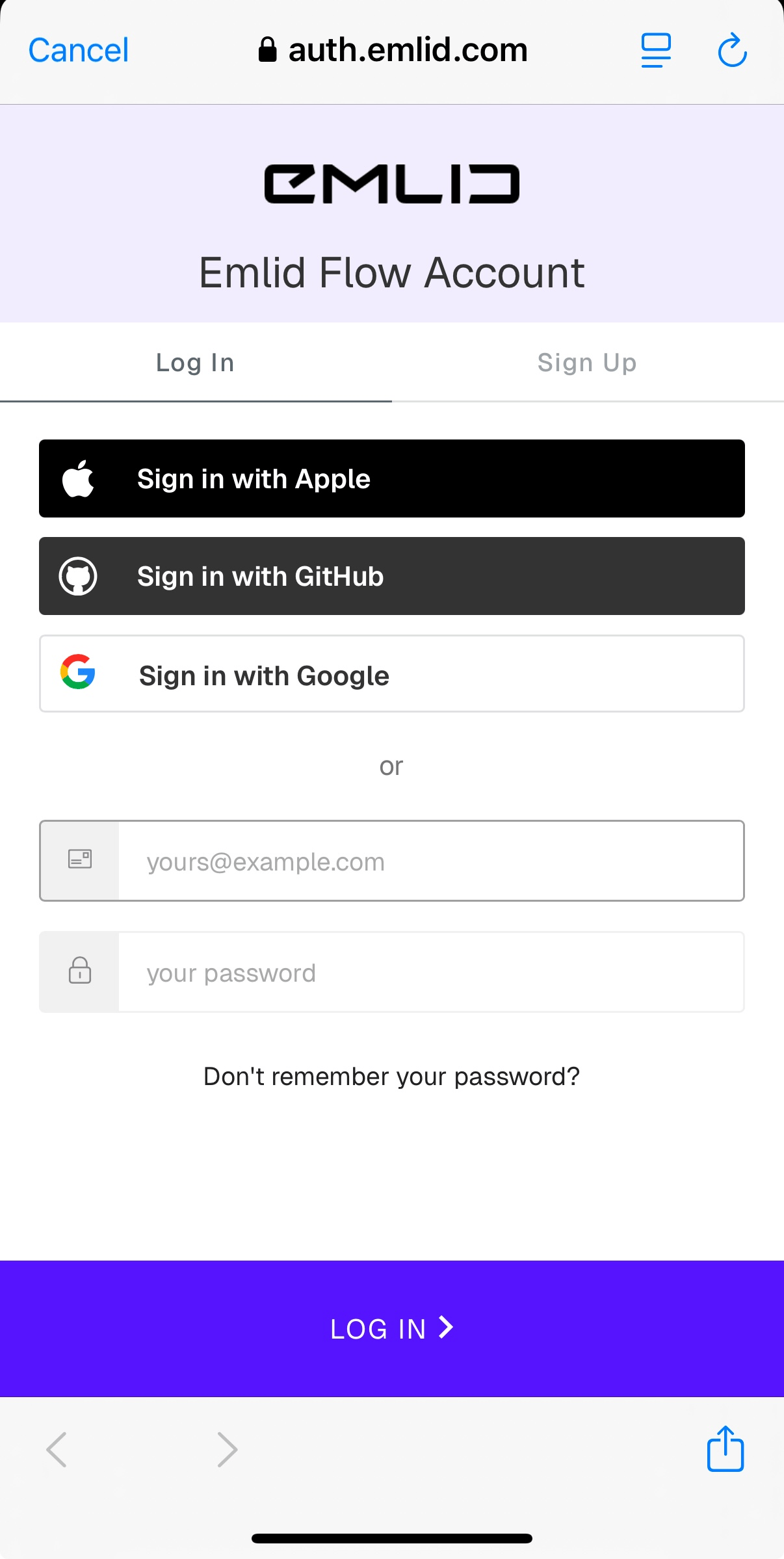
Once you sign up, you will access the page with NTRIP credentials for both the base and rover. From this moment, you can use these credentials to connect your base and rover to a mount point.
Connect your base to mount point
To connect your base to a mount point, follow the steps below:
-
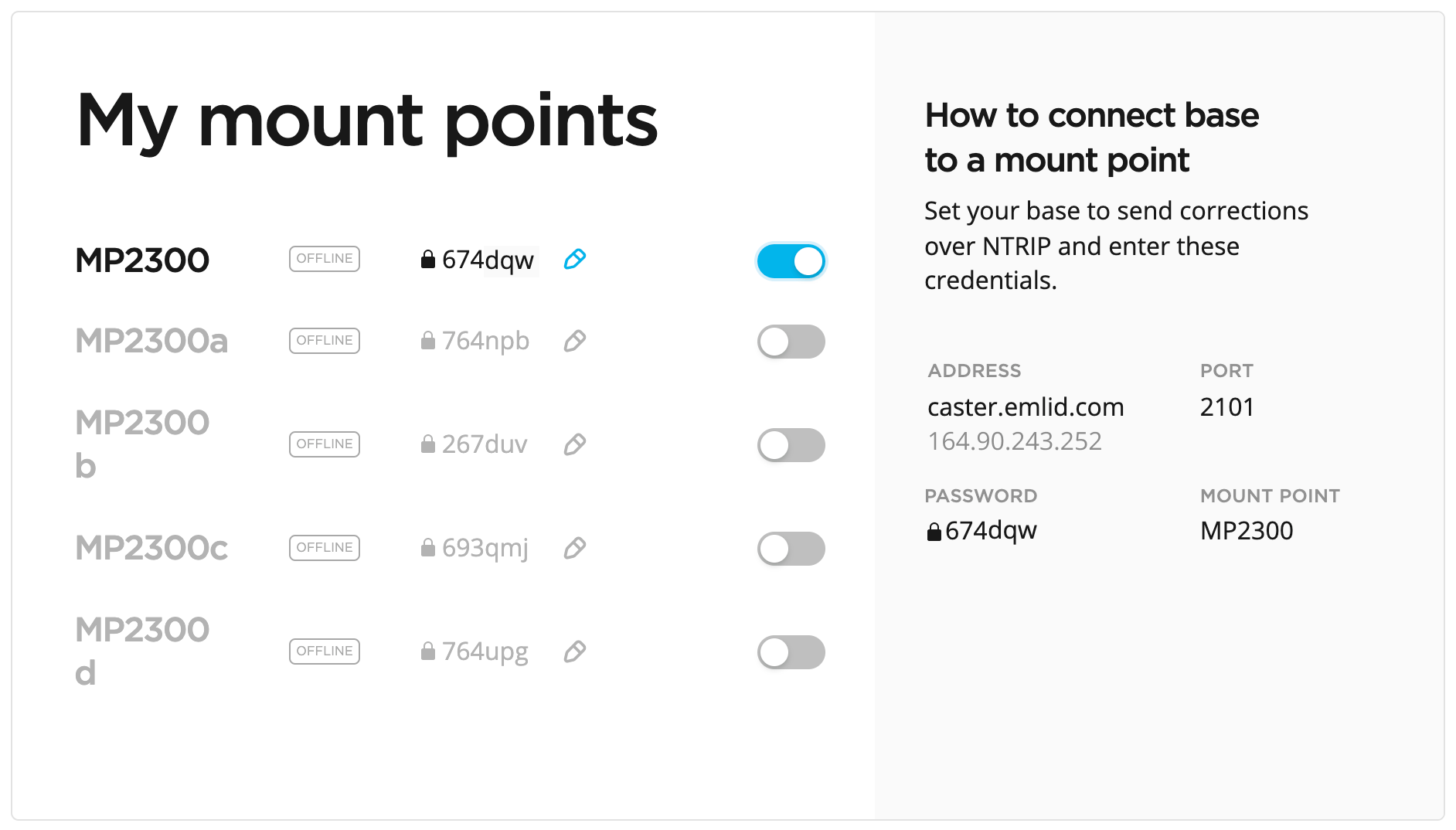
Activate the mount point you want to use by turning on the toggle.
-
Set up your base to send corrections over NTRIP using the obtained credentials:
- Address
- Port
- Password
- Mount point
noteMake sure you configured your base to output corrections via NTRIP.
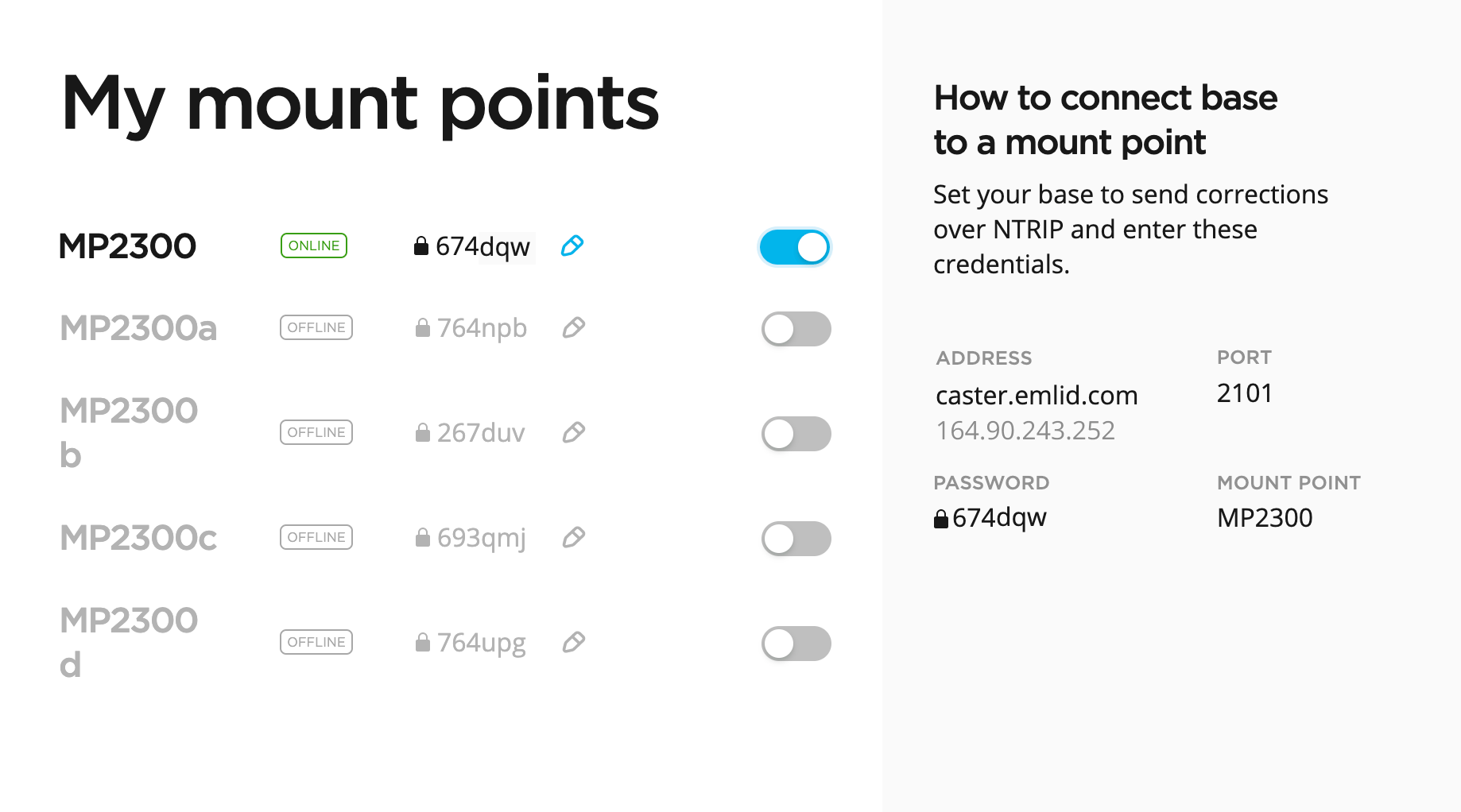
Once you successfully connect your base, you will see the ONLINE notification next to the mount point name.
Connect your rover to mount point
To connect your rover to a mount point, follow the steps below:
-
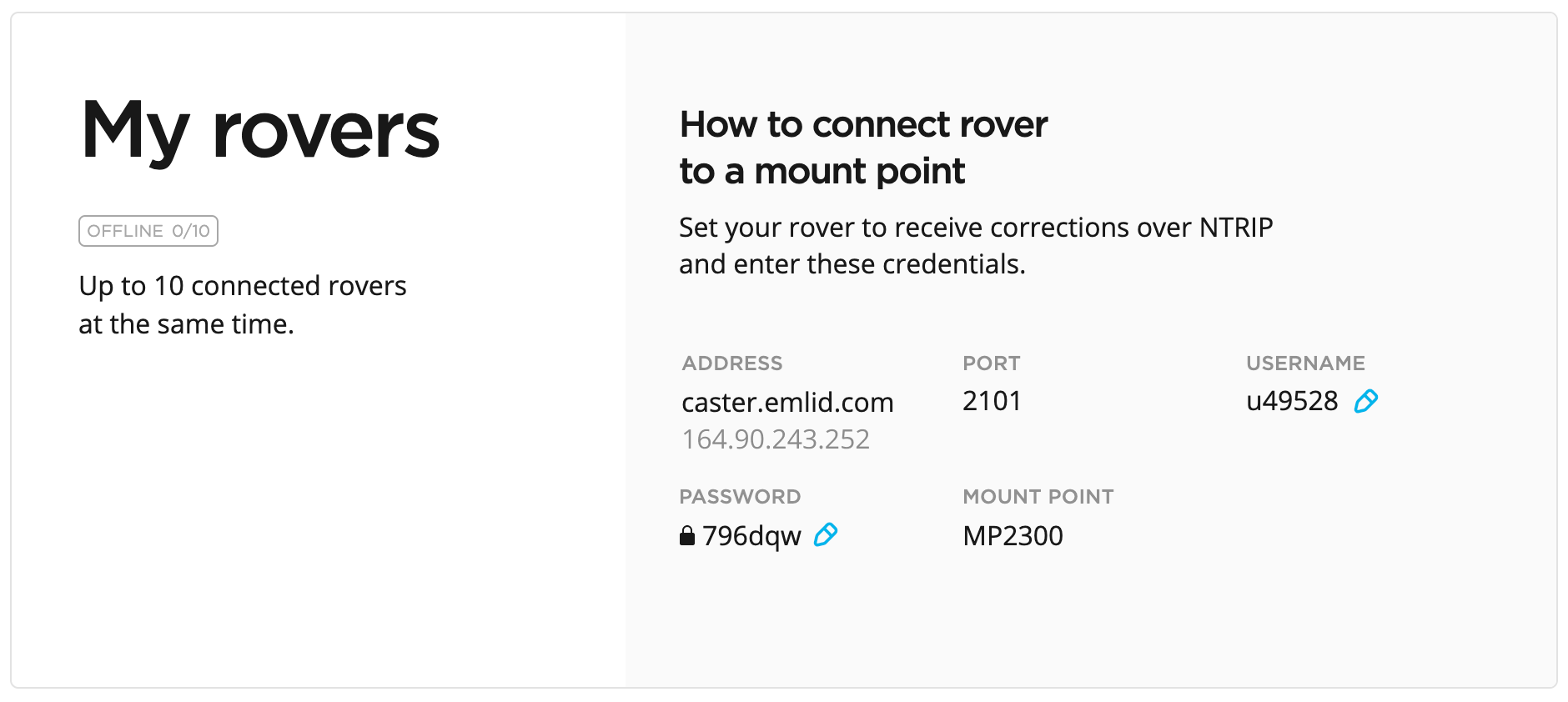
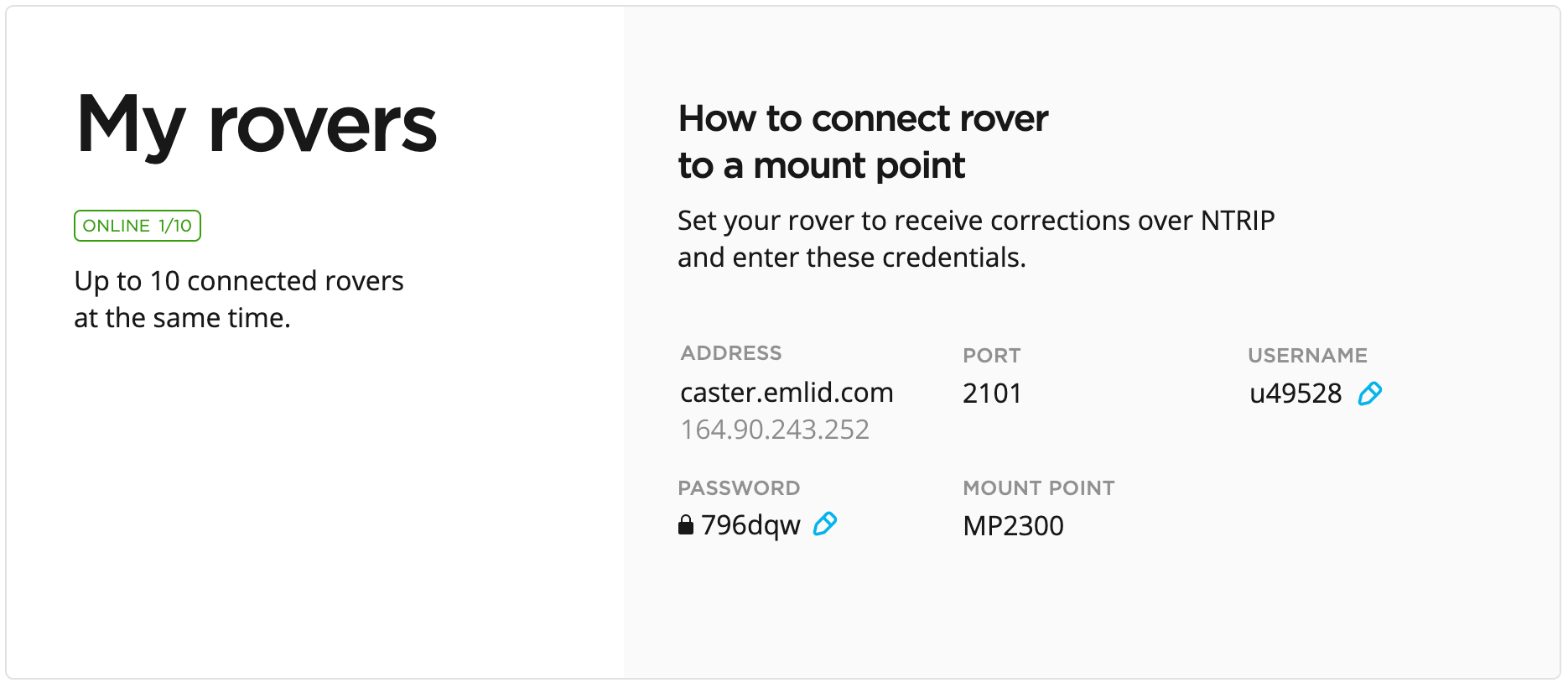
Access the rover's credentials.
noteOnce you activate the mount point for the base, you will see it in the rover's credentials.
-
Set up your rover to get corrections over NTRIP using the obtained credentials for the rover:
-
Address: The URL or IP address of the NTRIP caster.
-
Port: The port used to connect to the caster. The default value is usually 2101 unless your provider specifies a different port.
-
Username: The username used to authenticate with the NTRIP service. In some cases, it may be your name or email address.
-
Password: The password associated with the username.
-
Mount Point: The name of the correction stream provided by the NTRIP service.
tipTo find out which mount point suits you better, check the website of your NTRIP provider. In general, shorter distances to the reference station improve RTK performance.
noteMake sure you configured your rover to receive corrections from the base via NTRIP.
-
Once you successfully connect your rover, you will see the ONLINE notification and the number of the connected rovers in the My rovers section.
To ensure successful corrections transmitting, double-check the credentials you entered on both the base and rover.
When you have set up and connected both the base and rover to the mount point, you are all set for the survey.
Checklist
To successfully work with Emlid NTRIP Caster, make sure the following requirements are met on both the base and rover:
- The receiver is in an open area with a clear view of the sky.
- You have internet access.
- You’ve entered the address, port, password, and mount point provided by Emlid Caster for the base and configured the base to output corrections via NTRIP.
- You’ve entered the address, port, username, password, and mount point provided by Emlid Caster for the rover.
- The base and rover are connected to the same mount point.
- The project on the rover has the same coordinate system in which the base’s position set up. Learn more in the Base setup and Introduction to coordinate systems guides.