Reuse coordinate system
This guide shows you how to reuse coordinate systems in Emlid Flow and Emlid Flow 360.
Overview
In Emlid Flow and Emlid Flow 360, you don't need to recreate a new
Coordinate system is a coordinate-based local, regional or global system used to locate geographical entities. A spatial reference system defines a specific map projection, as well as transformations between different spatial reference systems.
You can reuse coordinate systems created and saved using the following methods:
Your saved coordinate systems are stored in your account and synced between Emlid Flow and Emlid Flow 360.
You can save a custom or localized coordinate system to your library during project setup. For step-by-step instructions, see the Custom coordinate system setup and Localization guides. Imported coordinate systems are saved automatically.
You can also save a custom or localized coordinate system from an existing project. To do so, follow these steps:
- Emlid Flow
- Emlid Flow 360
-
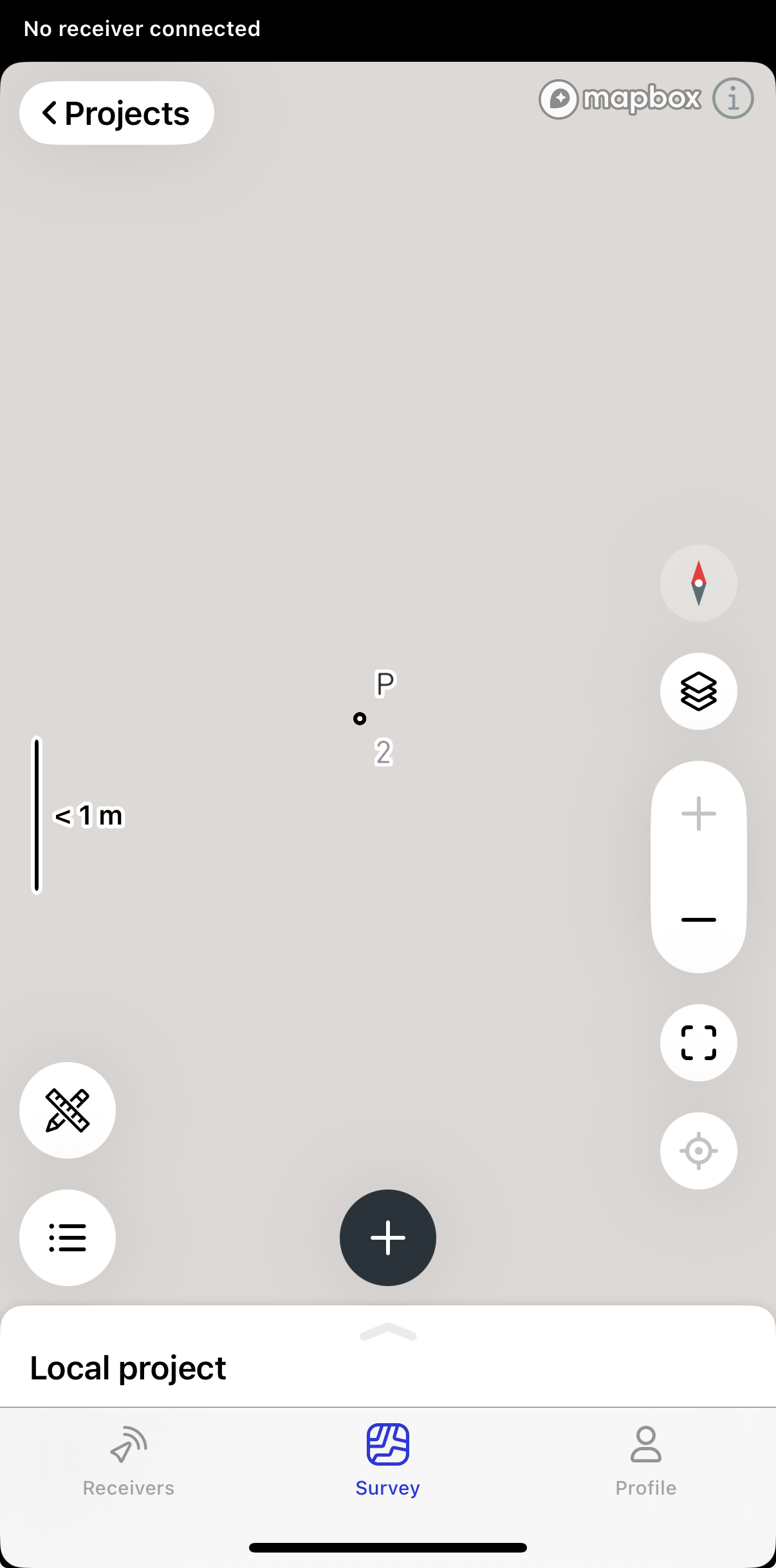
Open a project.
-
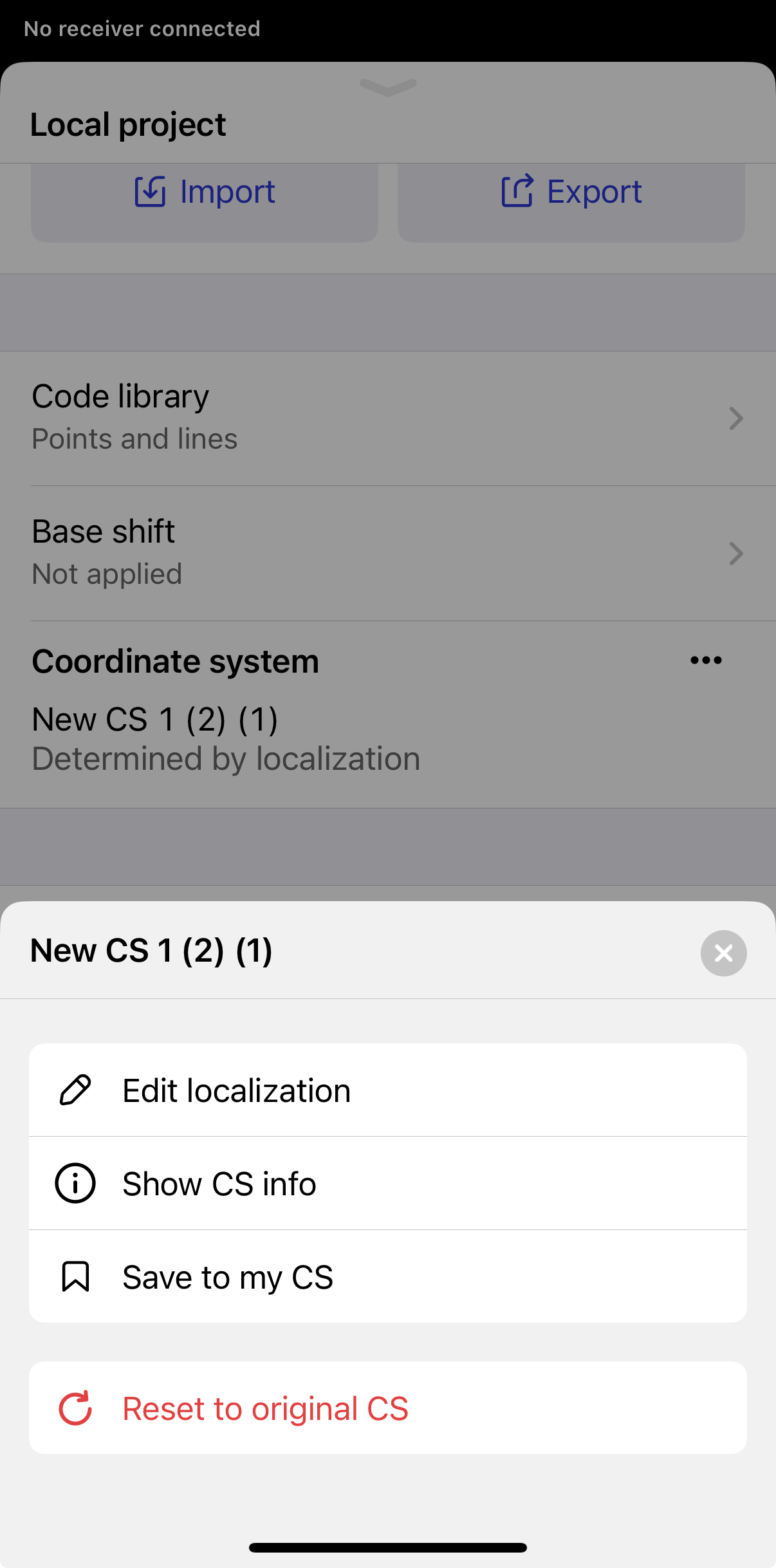
Swipe up the drawer and tap the three-dot menu for Coordinate system and choose Save to my CS.
-
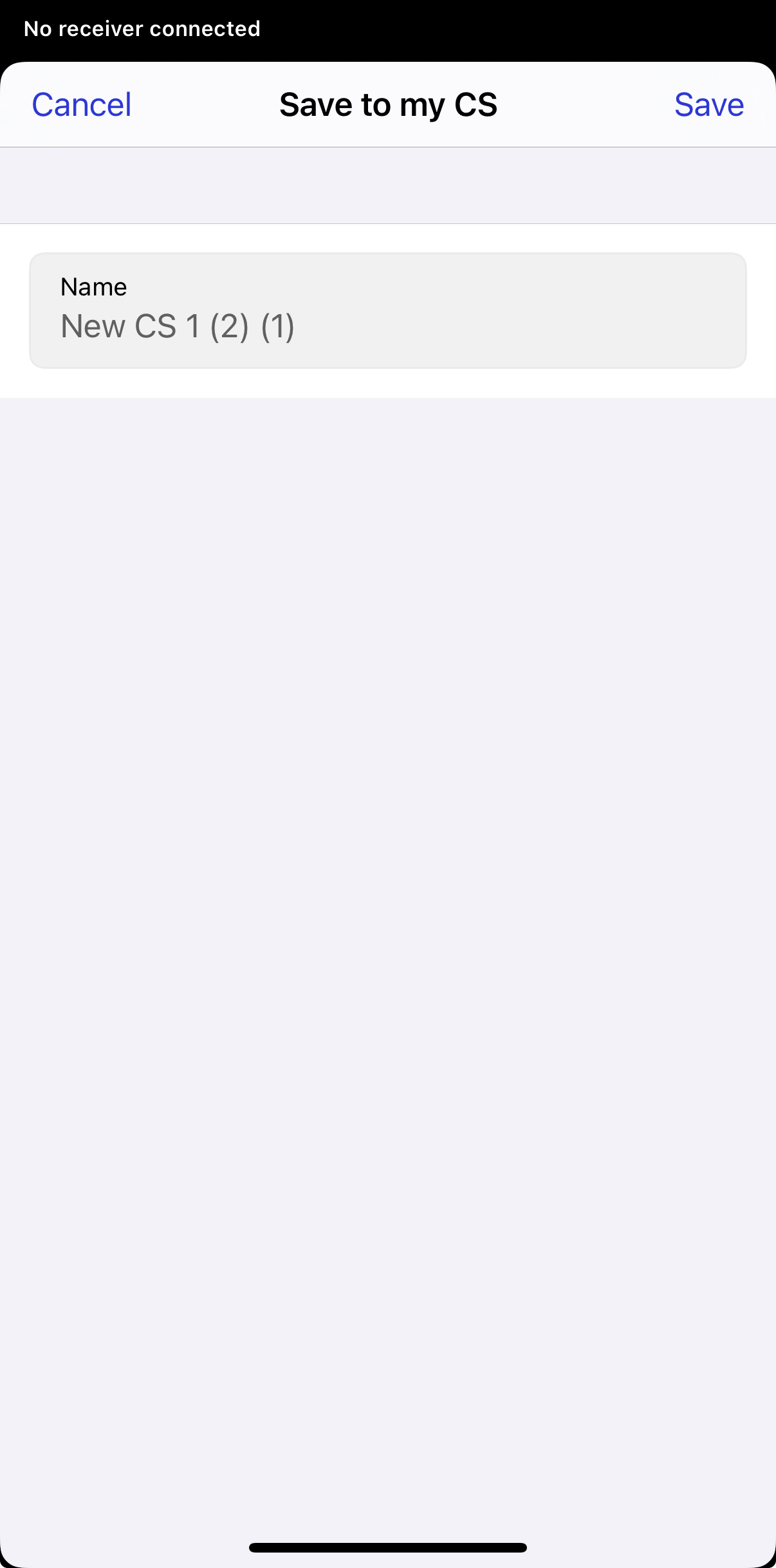
Tap Save.
-
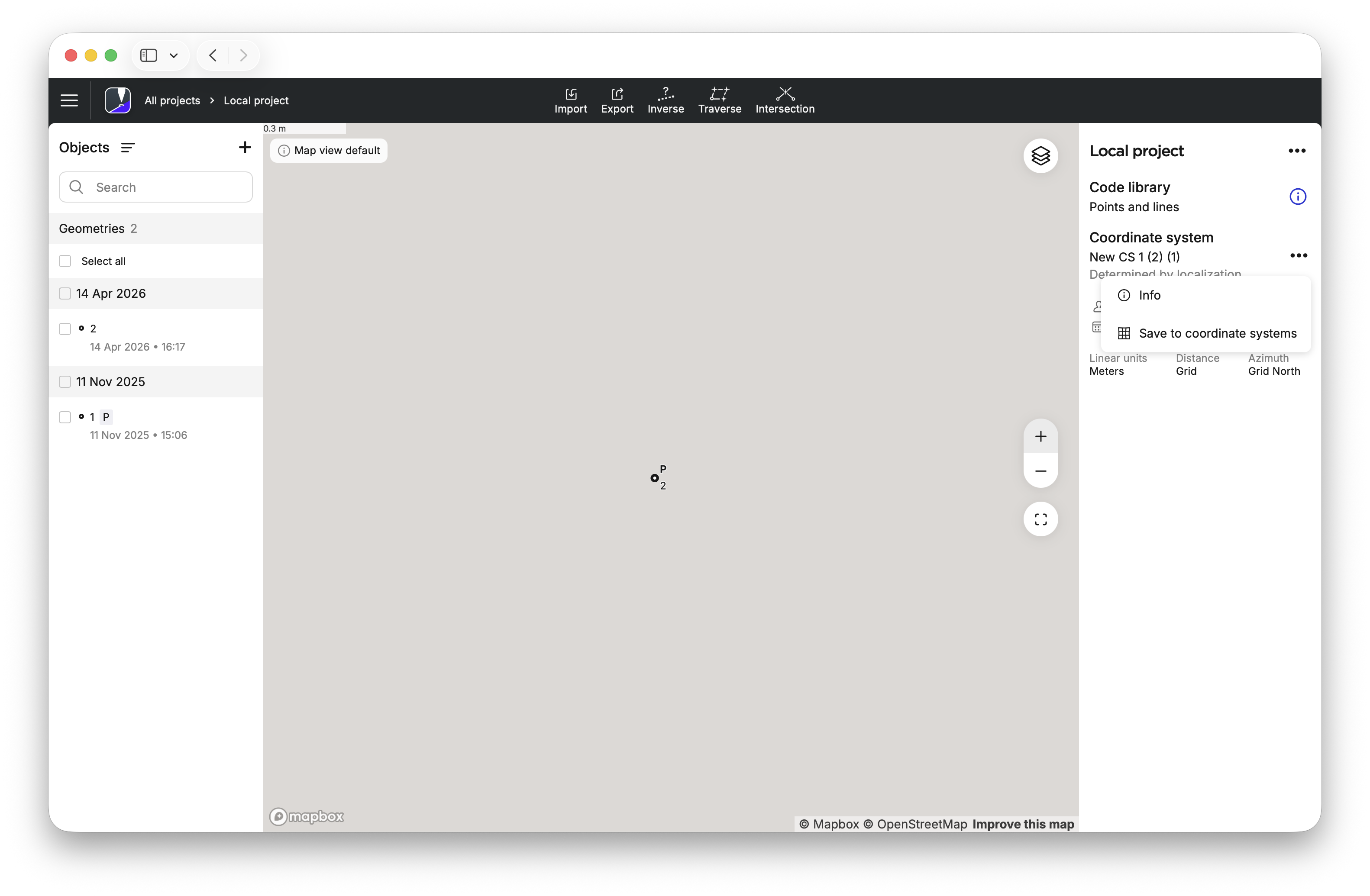
Open a project.
-
Open the three-dot menu for Coordinate system and choose Save to coordinate systems.
-
Click Save.
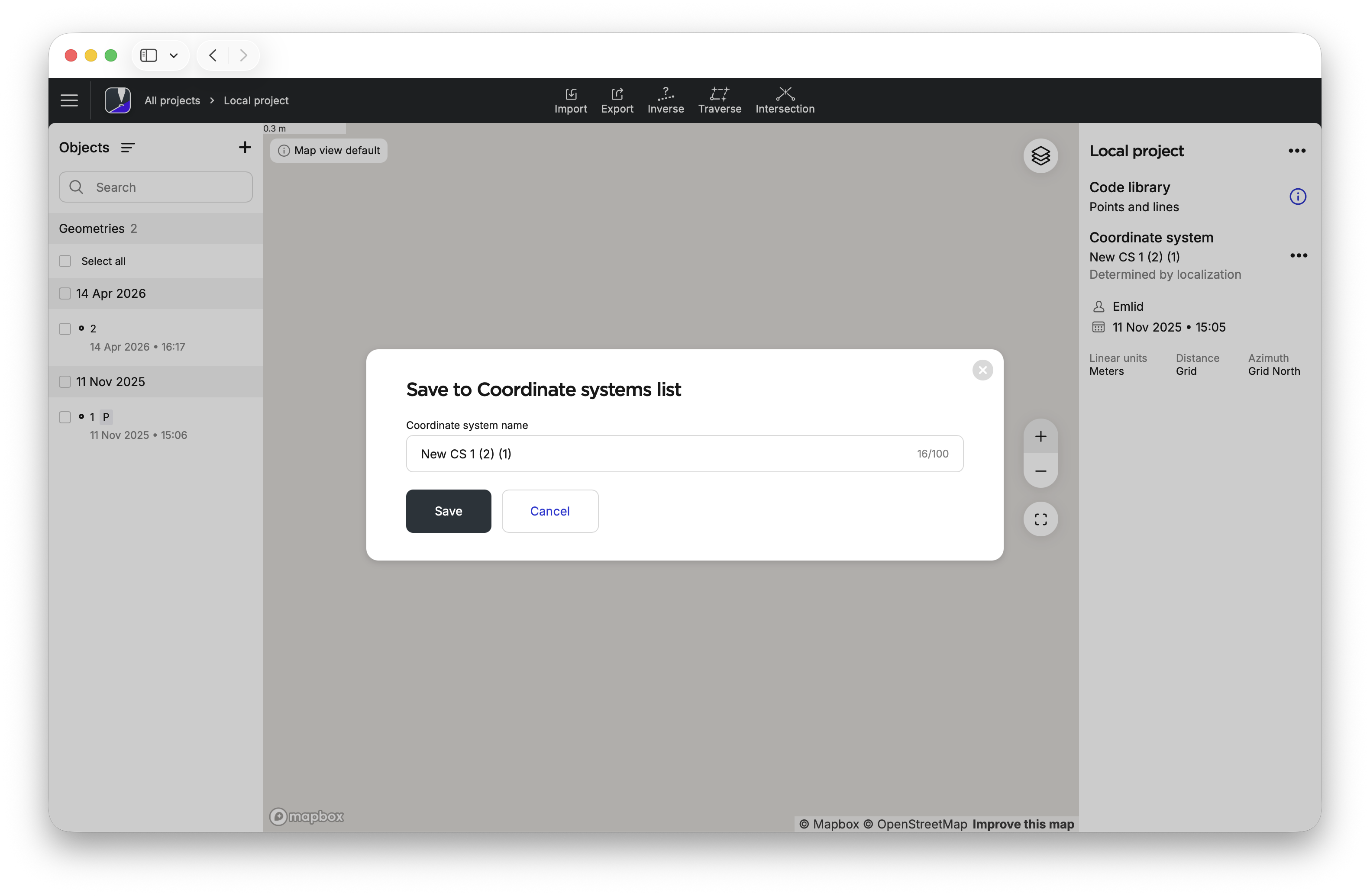
Now, your coordinate system is saved in your Coordinate systems list.
Workflow
To reuse a coordinate system to a new project, follow the steps below:
- Emlid Flow
- Emlid Flow 360
-
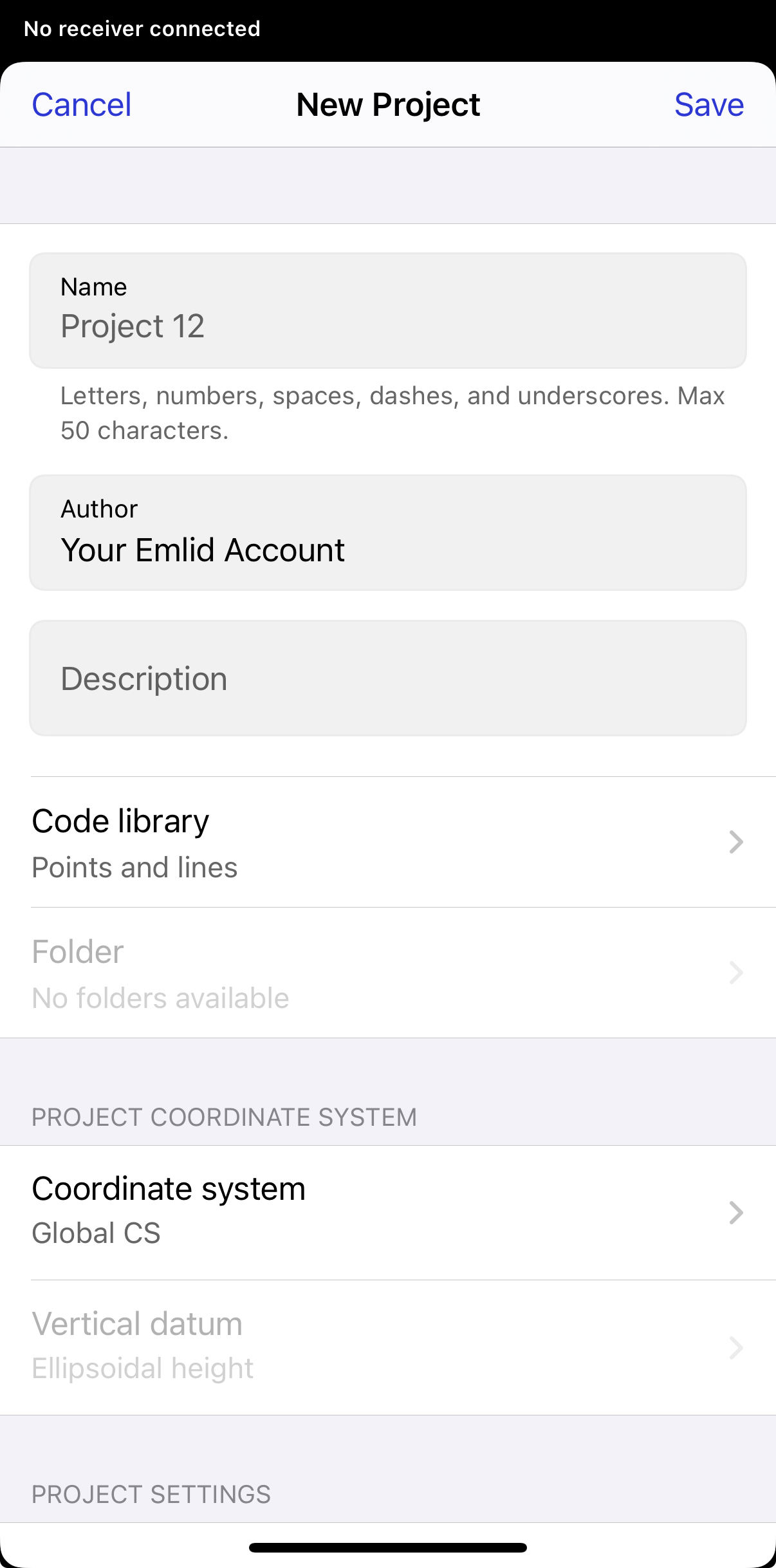
Depending on your use case, open an existing project or create a new one.
-
Tap the Coordinate system cell.
-
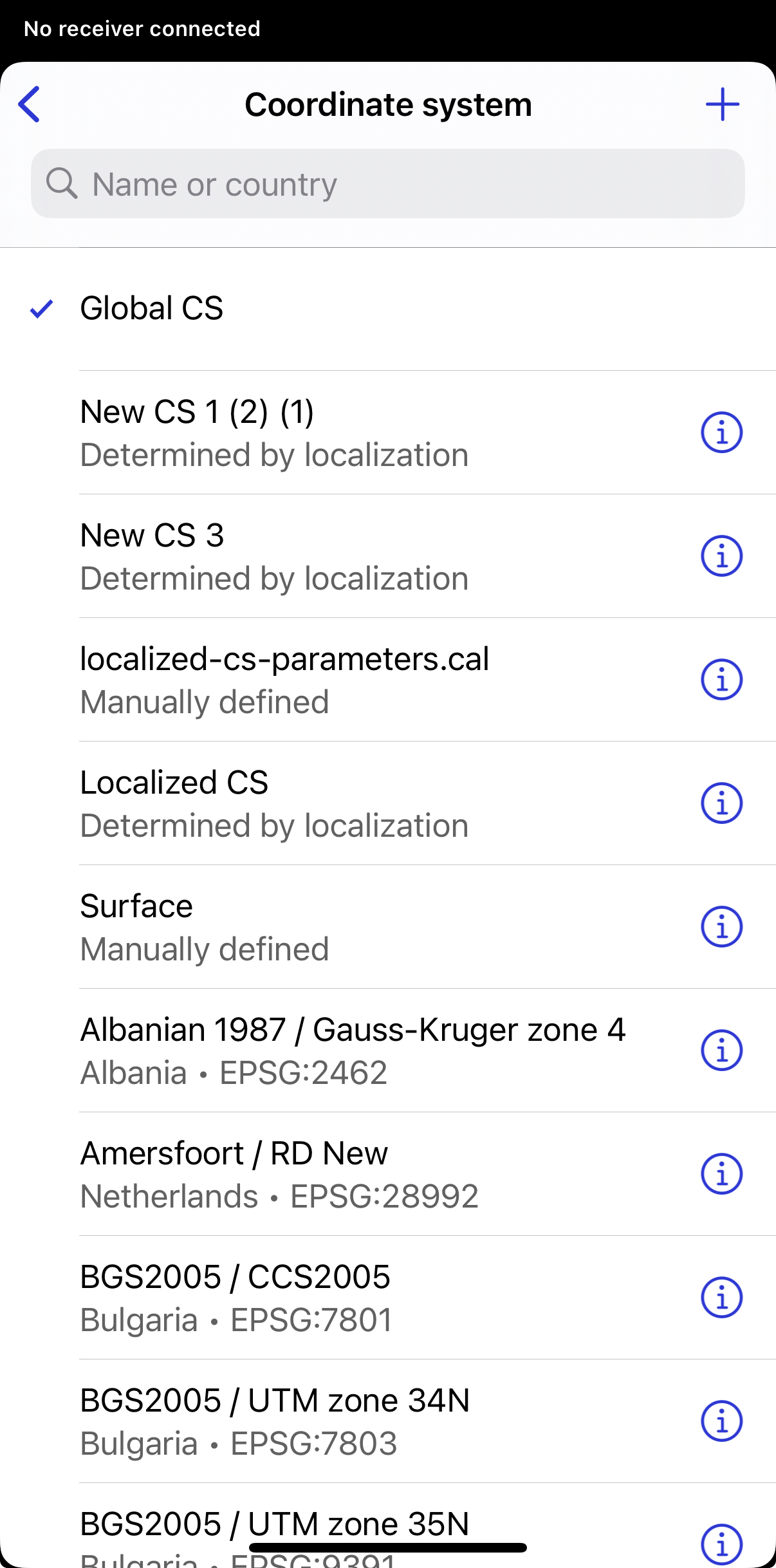
Choose a coordinate system from your list. This list includes all coordinate systems.
-
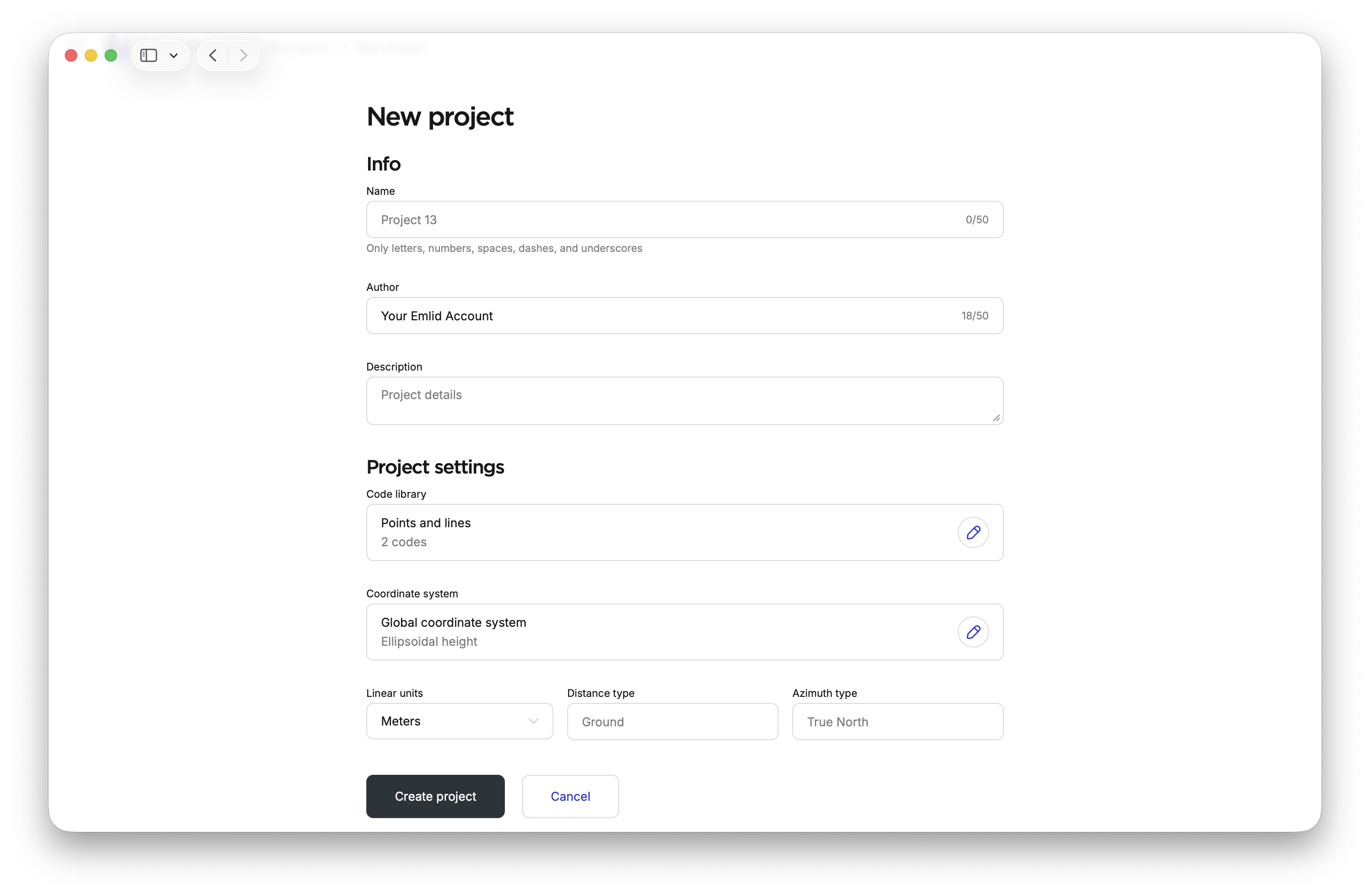
Depending on your use case, open an existing project or create a new one.
-
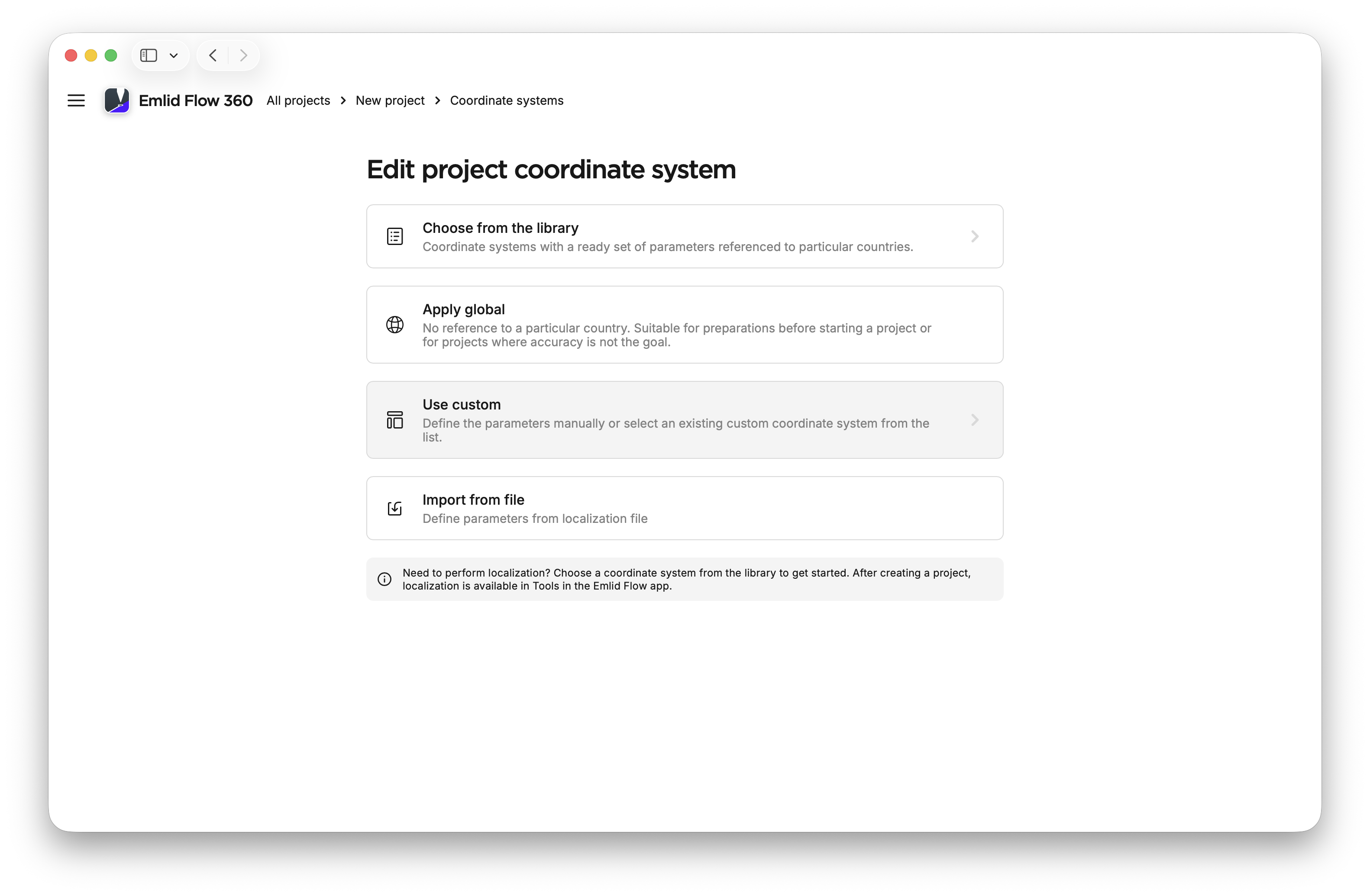
Click the Coordinate system cell in Project settings.
-
Choose Use custom.
-
Choose a coordinate system from your list. This list includes all coordinate systems that you have saved manually through custom coordinate system setup, localization or importing localized parameters.
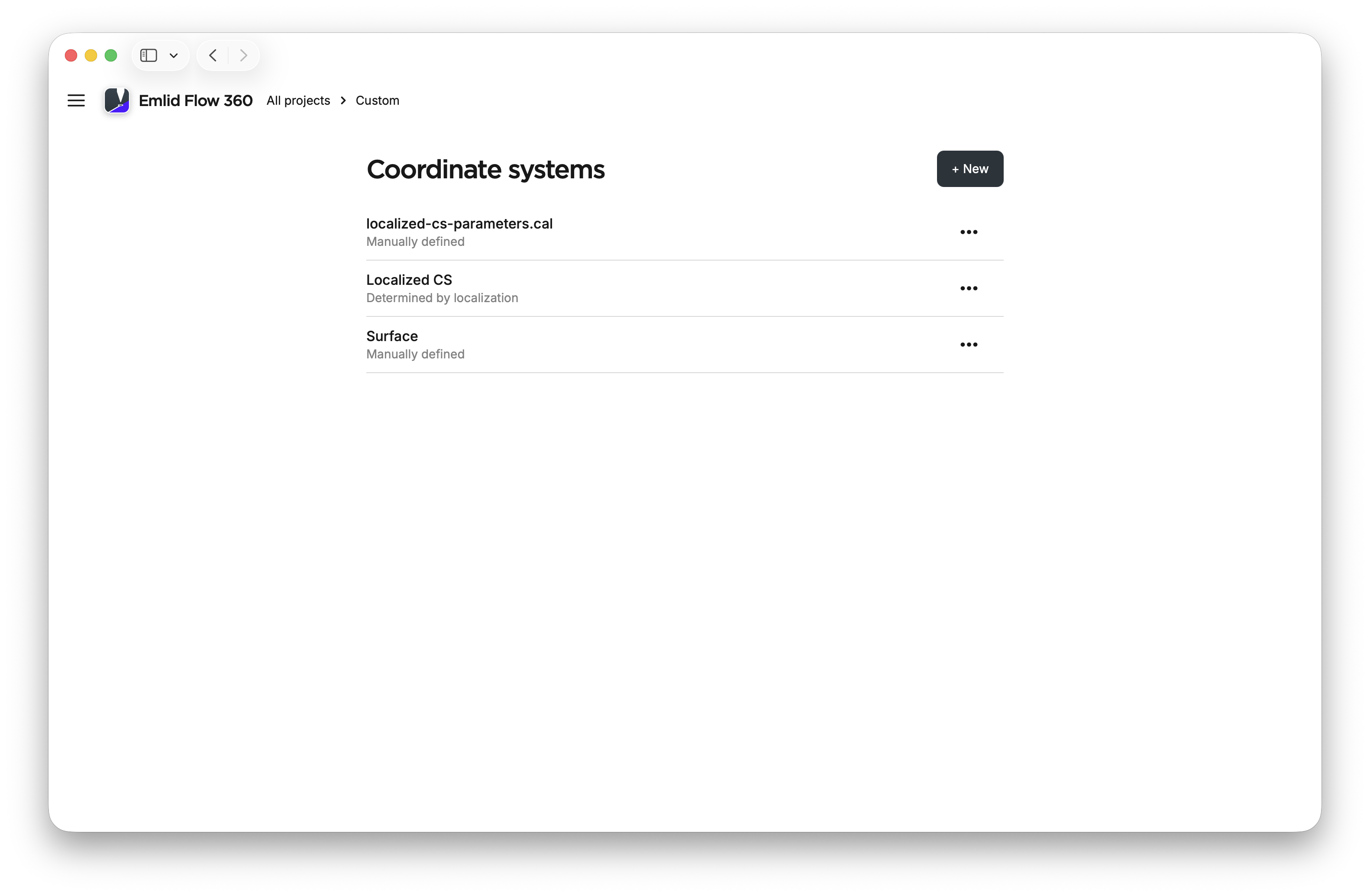
Now, you can select and apply a saved coordinate system to a project.