Edit custom coordinate system
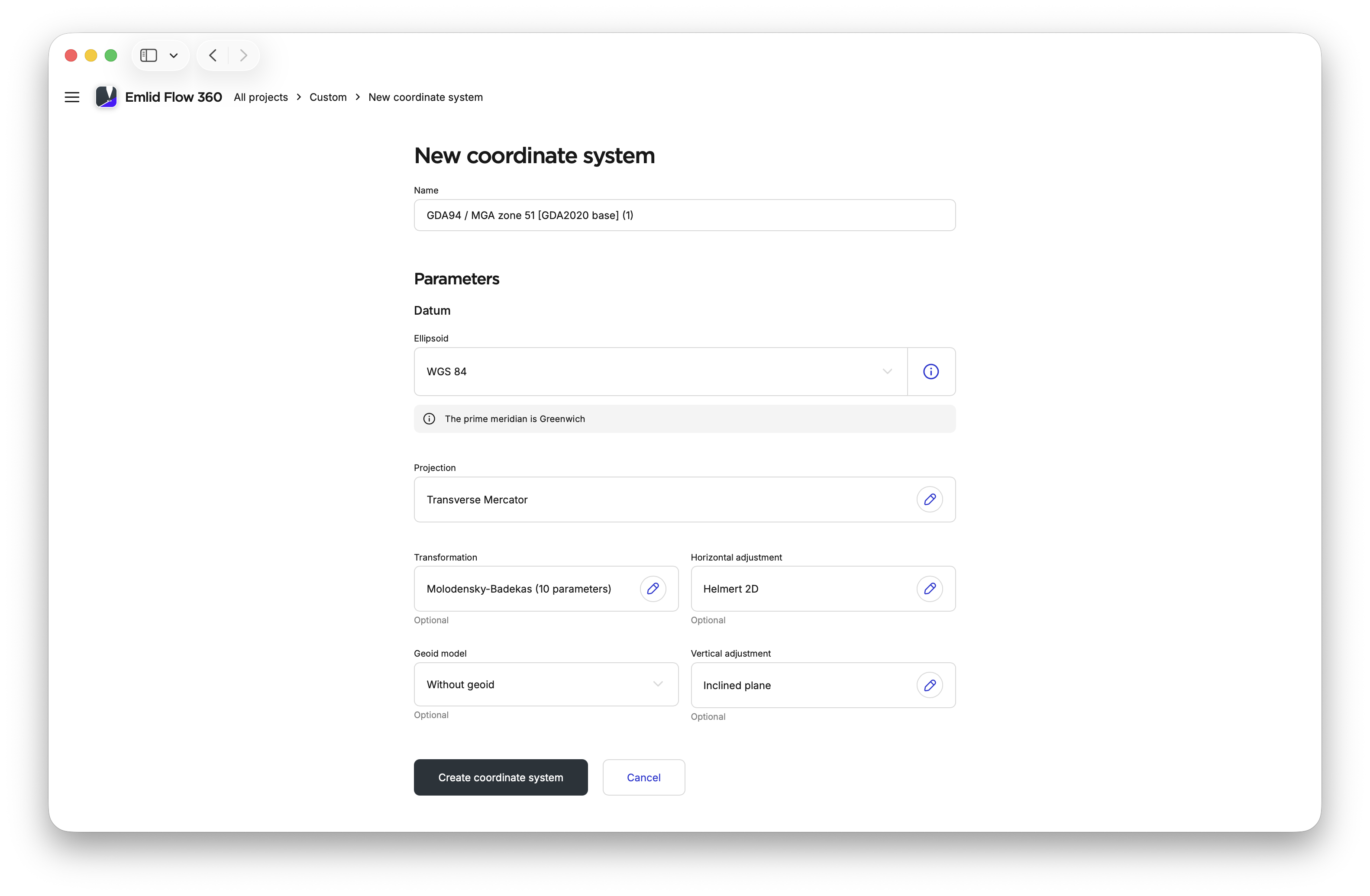
In this guide, you can read about how to edit parameters of your custom CS in Emlid Flow 360.
Overview
Editing your custom
Coordinate system is a coordinate-based local, regional or global system used to locate geographical entities. A spatial reference system defines a specific map projection, as well as transformations between different spatial reference systems.
Workflow
To edit your custom CS, follow these steps:
The editing option is not available for calibrated systems.
-
Open the menu on the left, and click Coordinate systems. The list of your custom CSs will open.
-
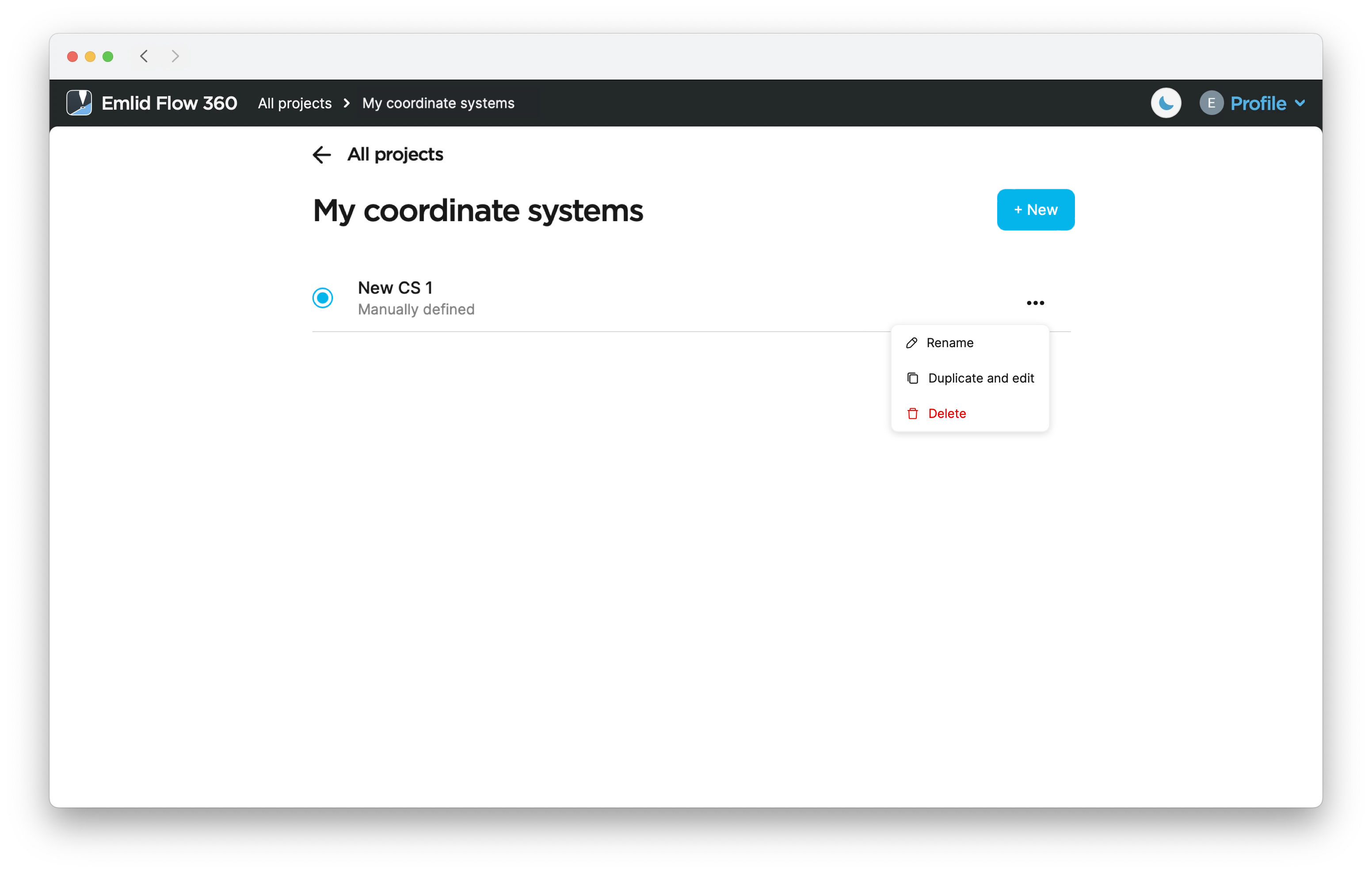
Click the three dots button to rename, duplicate, edit or check the information about your custom CS.
 tip
tipDuplicating your CS allows you to quickly edit parameters without having to enter them twice.
-
Edit the parameters and click Create coordinate system.