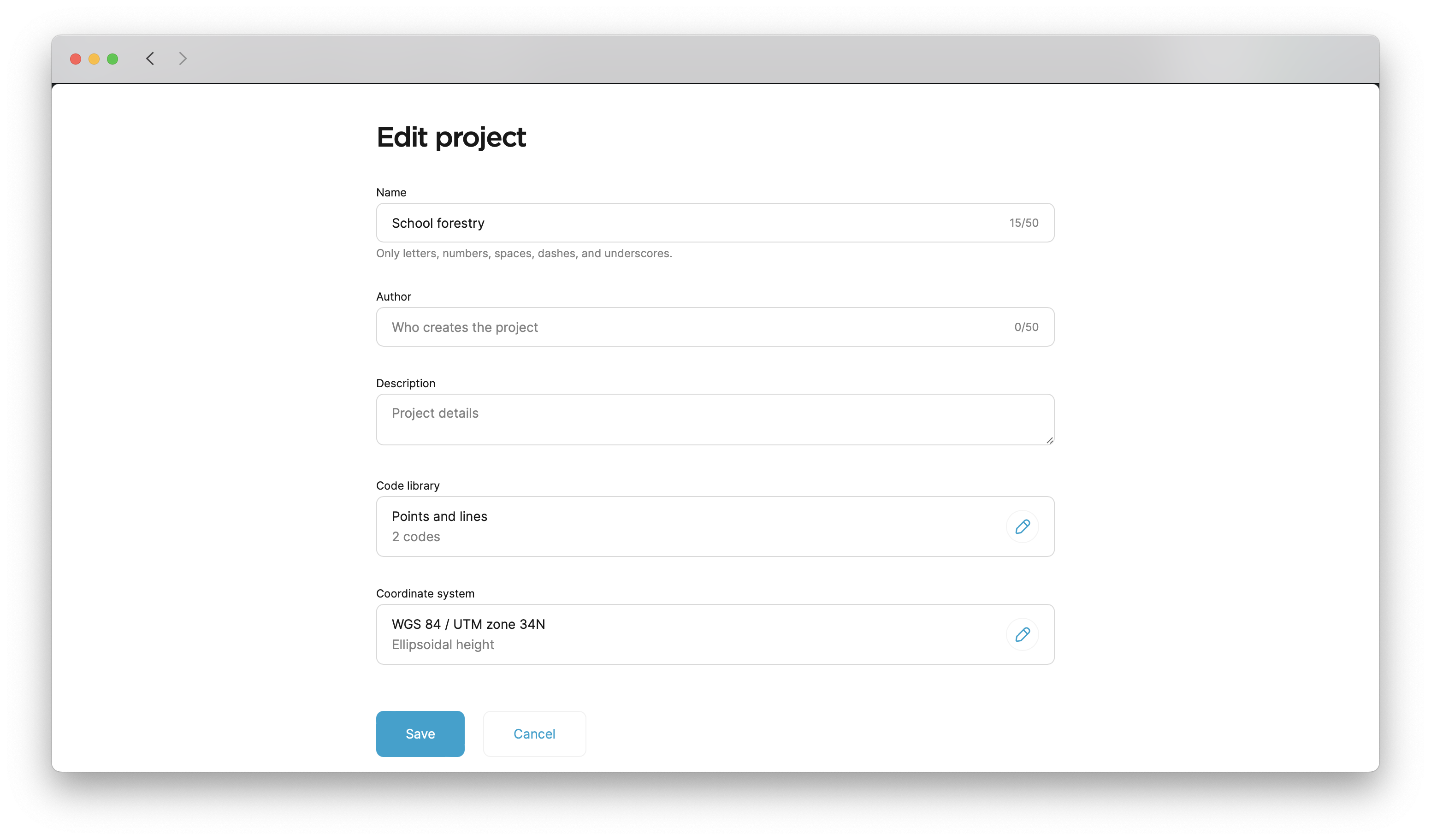
Edit coordinate system from library
This guide shows you how to edit and change your existing
Coordinate system is a coordinate-based local, regional or global system used to locate geographical entities. A spatial reference system defines a specific map projection, as well as transformations between different spatial reference systems.
Overview
You can change the coordinate system of your project in Emlid Flow 360. If the original and target coordinate systems use the same datum, Emlid Flow 360 automatically recalculates all existing points and applies the new coordinate system to future measurements, keeping your project aligned with the new reference frame.
If the coordinate systems use different datums, automatic transformation of existing project data is not supported. In this case, transform the data using a third-party coordinate conversion or GIS application before importing it back into the project.
Workflow
To edit your
Coordinate system is a coordinate-based local, regional or global system used to locate geographical entities. A spatial reference system defines a specific map projection, as well as transformations between different spatial reference systems.
-
Open the project in Emlid Flow 360.
-
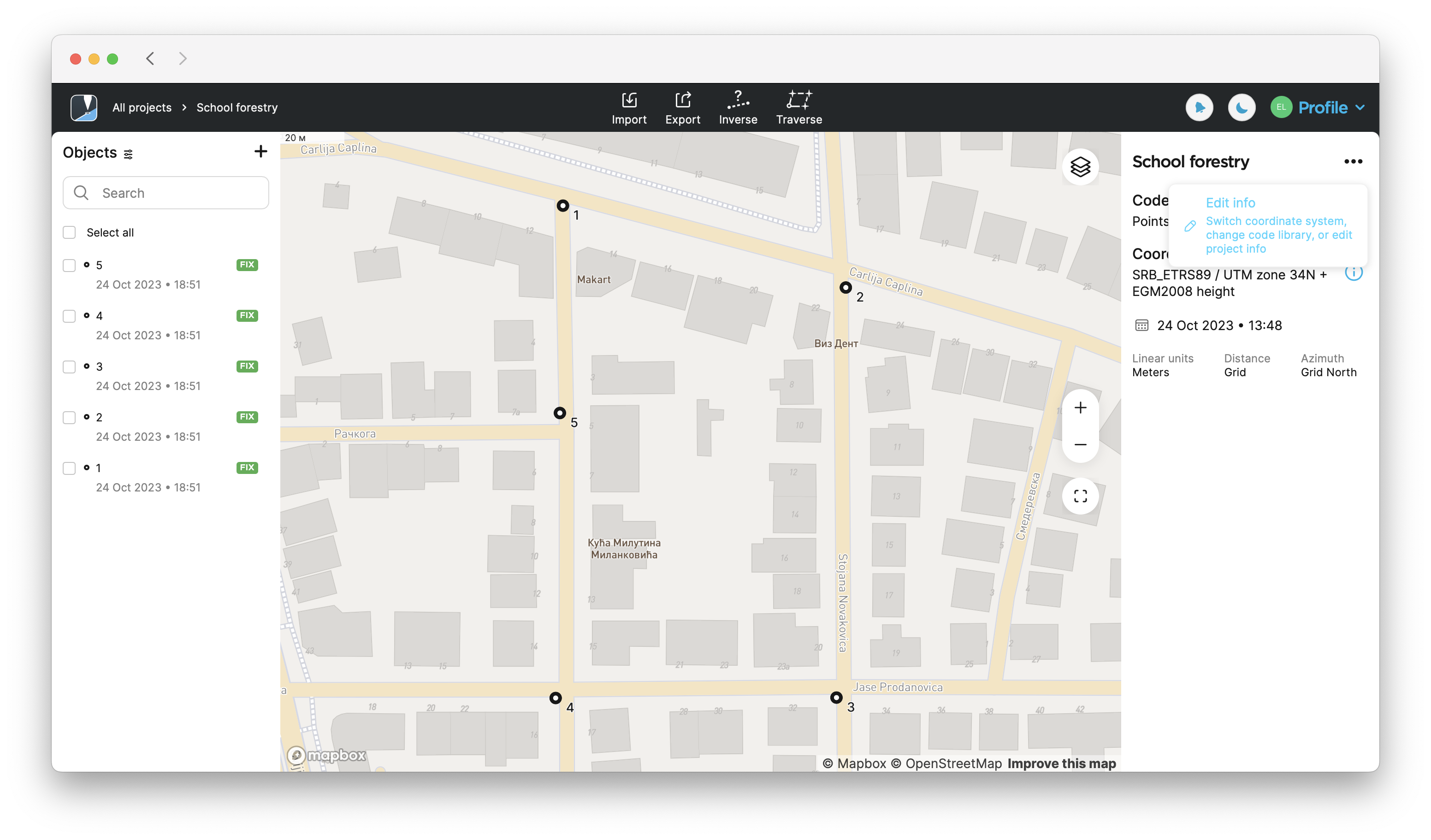
Click the three-dot button in the upper-right corner, then click Edit info.
-
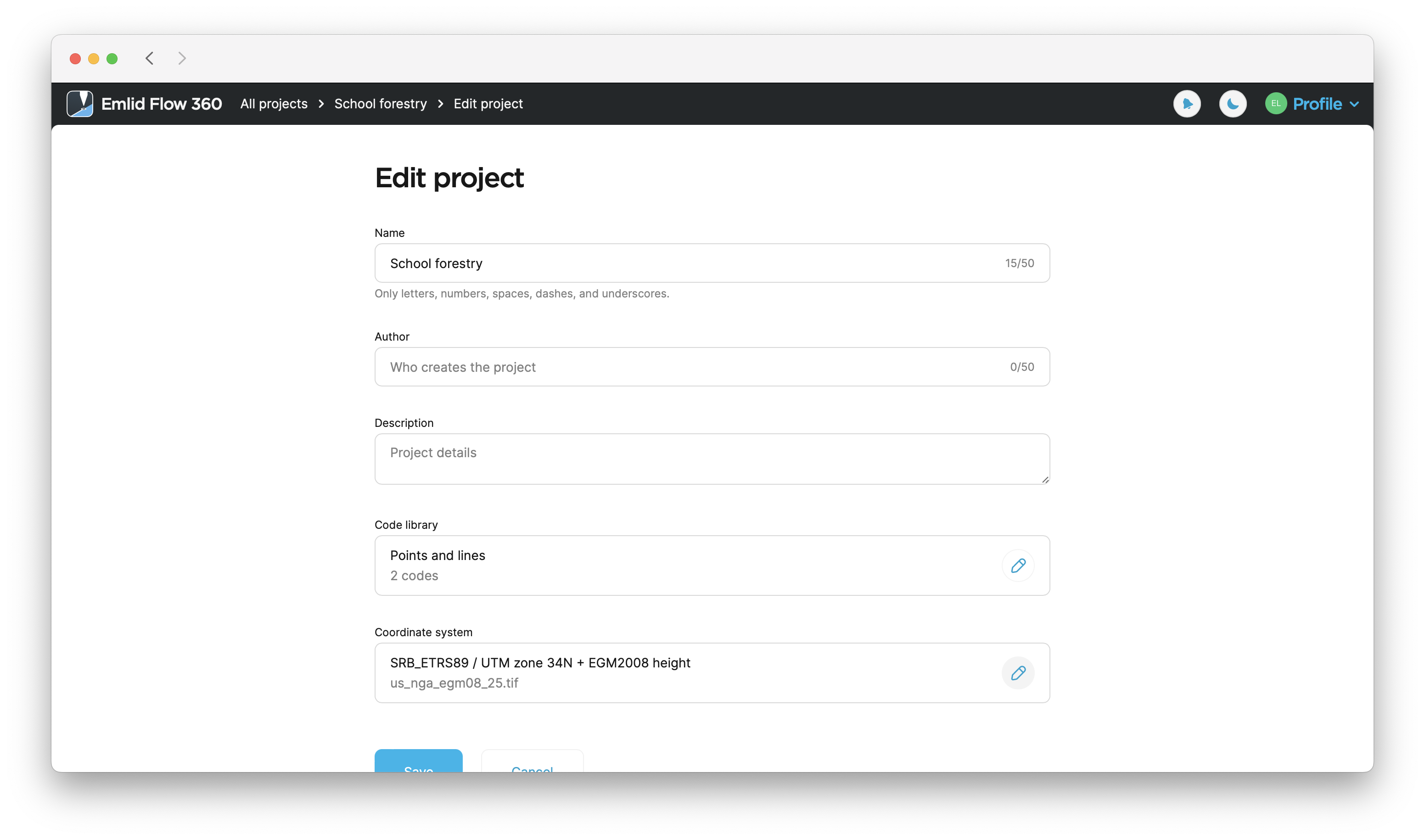
Click the Edit button in the Coordinate system section.
-
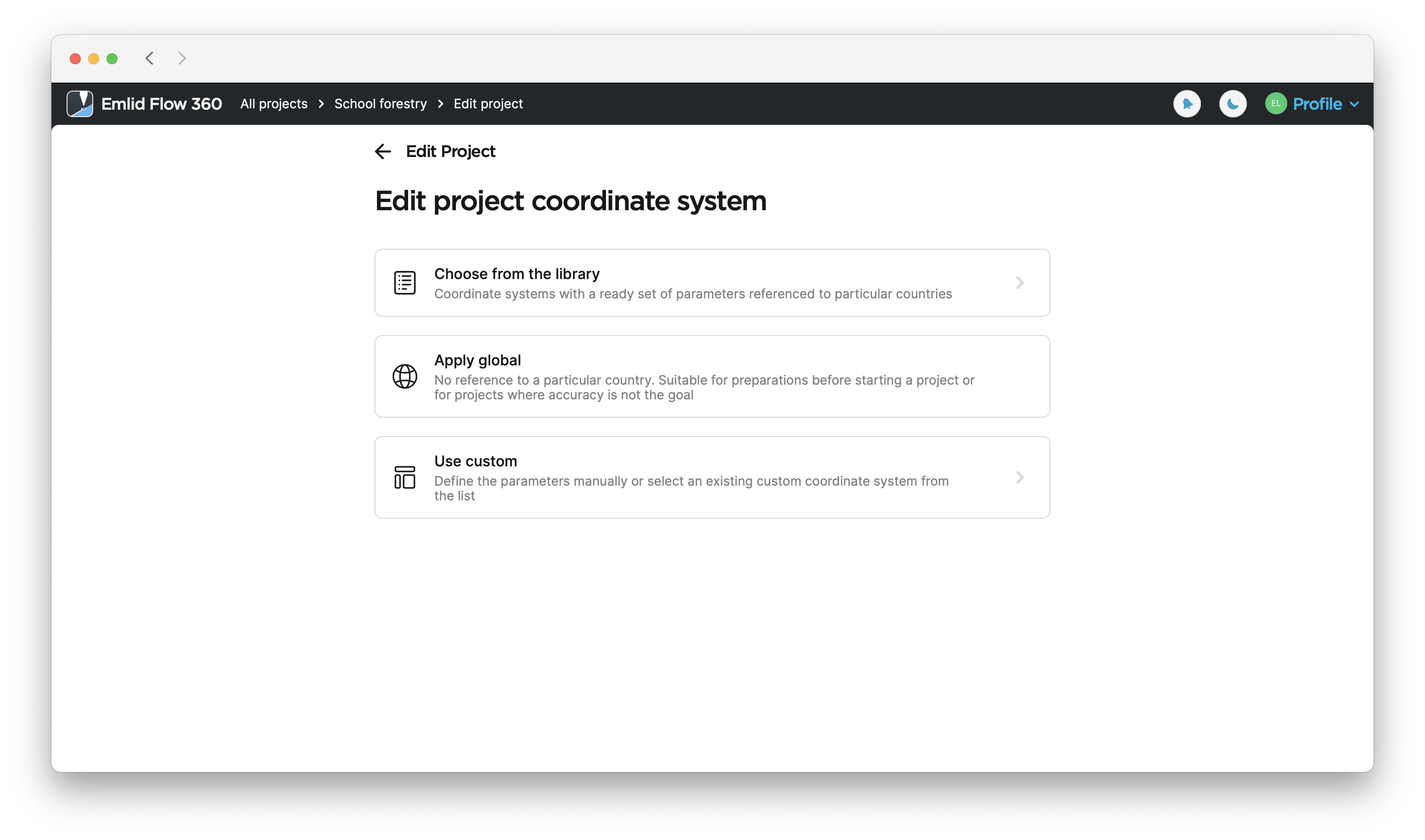
Select a suitable option to set a new CS.
-
After you’ve selected the new CS, click Save to apply the changes.