LED status
Reach RS4 / RS4 Pro has the Battery LEDs and the Status LED. The Battery LEDs indicate the battery charge level. The Status LED indicates the operating states of the receiver.

Battery LEDs
These LEDs indicate the receiver’s loading state and battery charge level. Once the loading animation is complete, you can connect your phone to Reach. After loading, the LEDs show the current battery charge level. You can also check the battery charge level with a short press on the power button.
The two outer Battery LEDs blink blue when the hard reboot starts.
The two outer Battery LEDs blink red when the receiver enters factory mode.
 Power is off.
 Receiver is loading.
 1-10%
1-10%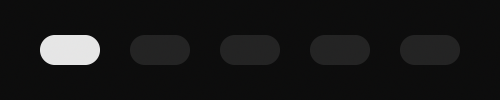 11-20%
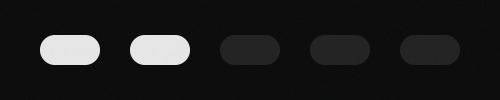 21-40%
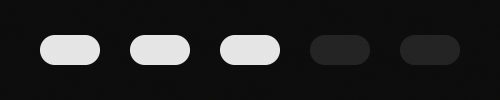 41-60%
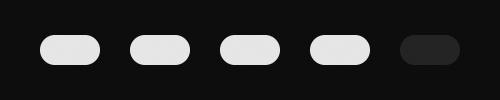 61-80%
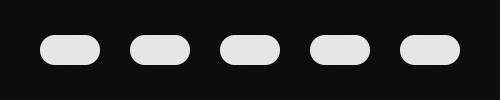 81-100%
 Receiver is charging.
 Hard reboot
 Factory mode
Status LED
This LED indicates the receiver’s operating status and displays Emlid Flow RTK status. RTK status has three colors indicating the status of the incoming corrections: white, orange, and green.